I accidentally deleted important files from my USB drive, and now some folders won’t open. I’m looking for the best USB file recovery software that actually works and is safe to use. If you’ve had success recovering deleted or corrupted files from a flash drive, I’d really appreciate your recommendations.
I’ve burned more time on USB recovery tools than I want to count. Some of it started as curiosity. Most of it came from screwing up a flash drive at the worst time. I’ve dealt with deleted files, drives I formatted by mistake, busted partitions, RAW file systems, and USB sticks that showed up fine one day and empty the next. So I kept testing recovery apps to see which ones found real files, and which ones were good at looking polished and doing little else.
After enough runs, a pattern showed up. A lot of these tools do fine when the job is simple, like recovering a file you deleted five minutes ago. Things change fast once the USB has been formatted, the partition table is damaged, or the file system is messed up. At that point, the gap between tools gets obvious.
If you want one pick for most people, mine is Disk Drill.
What sold me on it was range. I used it on plain deletion cases, on formatted flash drives, on missing partitions, and on corrupted volumes. It held up across all of those better than most stuff I tried. It also recognizes a long list of file types, and the preview feature helps a lot. I check previews first because a big scan result means nothing if the files are broken or useless.
One thing I like more than I expected is the byte-for-byte backup option. USB drives often fail in ugly ways. They disconnect mid-scan. They start reading slower. They vanish, then come back. Making an image first gives you a safer copy to work from, so you stop hammering the original drive over and over. I learned this one the hard way.
If you want a free option, Recuva is still worth a look. I’ve had decent luck with it on healthy USB sticks where files were deleted recently and nothing else went wrong. It’s simple, fast, and you don’t need to spend twenty minutes figuring out where stuff is.
The catch is pretty clear. Recuva drops off once the damage gets worse. Formatting, RAW volumes, partition issues, and heavier corruption are where it starts missing things premium tools tend to pick up. In those cases, Disk Drill usually did better in my tests.
Before you run anything, do these first.
-
Stop using the USB drive right away. When files get deleted, the data often stays there until new data overwrites it. Every photo, doc, or random copied file cuts into your odds. Open Disk Management and see if the drive appears with about the right size. If it does, software recovery still makes sense. If Windows shows the wrong capacity, or the drive does not appear at all, I’d start thinking hardware trouble.
-
Save recovered files somewhere else. Don’t put them back onto the same flash drive. People do this, and yeah, it wrecks recoverable data fast.
-
Keep your expectations in check. Even good recovery software hits a wall sometimes. I’ve watched people bounce between app after app for hours, then realize a backup would’ve saved the whole day. The 3-2-1 rule is still the only thing I trust long term: three copies of your data, on two kinds of storage, with one copy stored somewhere else. It’s boring. It works.
1 Like
I’d put Disk Drill near the top for this. Deleted files plus folders not opening usually points to file system damage, not a simple recycle-bin type mistake. That’s where weaker tools start missing stuff.
I agree with @mikeappsreviewer on one part, Recuva is fine for fresh deletions. I disagree on using it as your first shot when folders already fail to open. In my expereince, that symptom means you should skip the lightweight stuff and use a tool with better deep scan and imaging options.
What I’d pick:
- Disk Drill, best balance of safety, scan depth, file previews, and USB support.
- R-Studio, stronger for tech users, worse interface.
- Recuva, only for simple deletes on a healthy drive.
Big thing, scan the USB and recover to your PC, not back to the stick. If the drive drops connection or shows RAW, Disk Drill is one of the better bets.
If you want a quick look, this Disk Drill review for USB file recovery is decent,
see how Disk Drill recovers deleted files from a USB drive
If the USB is making errors in Windows every time you plug it in, move fast. Flash drives go bad fast, and retries make it worse.
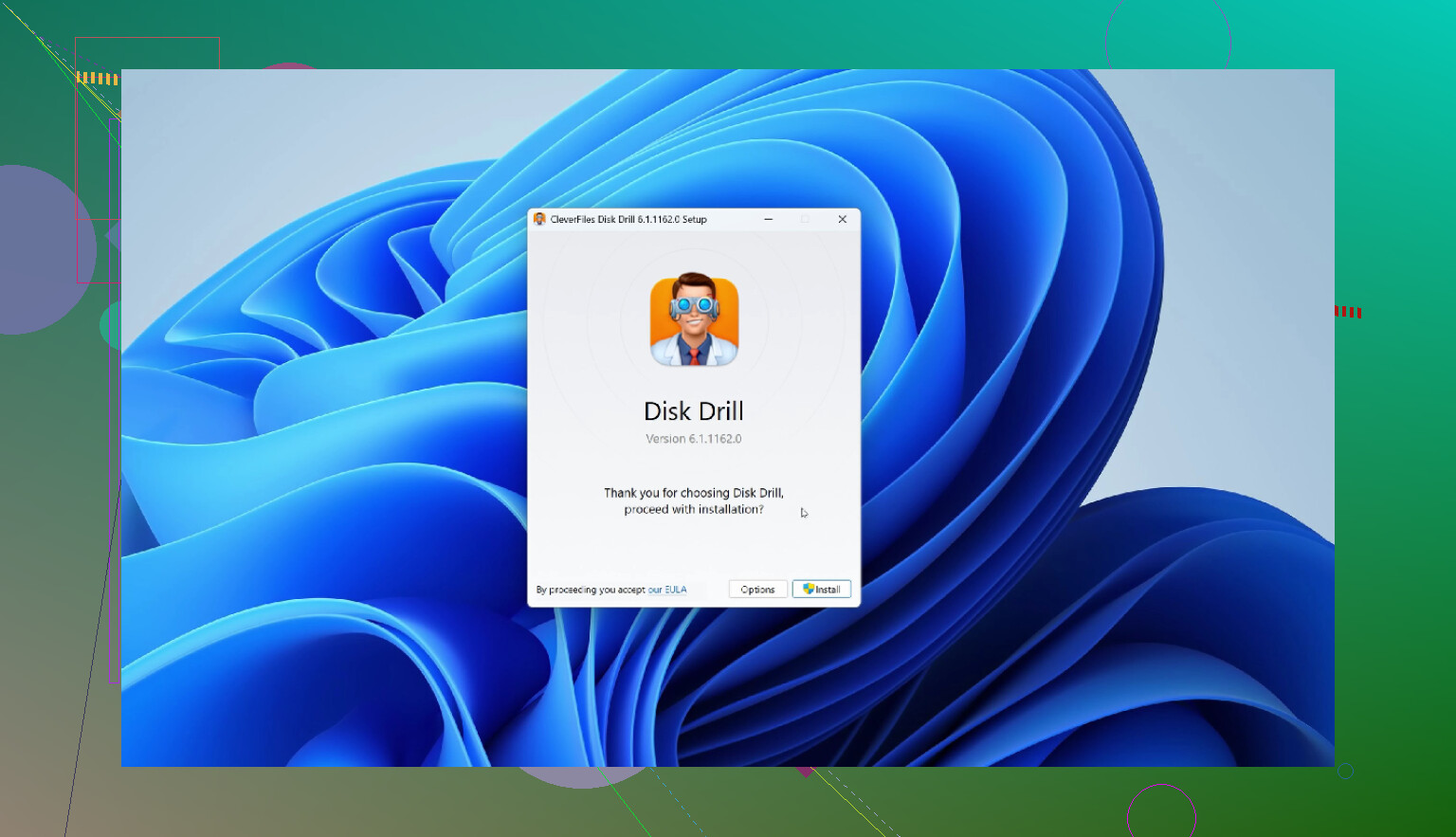
If folders won’t open, I wouldn’t treat this like a plain “oops deleted a file” situation. That usually points to file system corruption too, so I slightly disagree with @mikeappsreviewer on starting super simple unless the USB is otherwise perfectly healthy.
My short list:
-
Disk Drill
Best all-around pick for USB file recovery software when you’ve got deleted files and weird folder/access issues. It’s one of the safer options because you can scan first, preview recoverable files, and recover to another drive. That combo matters more than flashy marketing. -
R-Studio
Very strong, but kinda annoyng to use if you’re not comfortable with more technical tools. Great when the USB structure is damaged. -
Recuva
Fine for recent deletions. Not my first choice if folders are broken or the drive is acting sketchy.
Where I agree with @voyageurdubois is that deeper scanning matters a lot once the USB starts misbehaving. Where I disagree a bit is that not everyone needs to jump straight to the most advanced workflow. If the drive still reads consistently, Disk Drill is a better middle ground before going full nerd mode with R-Studio.
One more thing people forget: if Windows keeps asking to “fix” the USB, don’t click it yet. That can make recovery messier.
I also came across a Reddit discussion on Disk Drill for USB file recovery, which is worth a skim if you want more real-world experiences.
Recover to your PC, not back to the USB. That part is non-negotiable tbh.
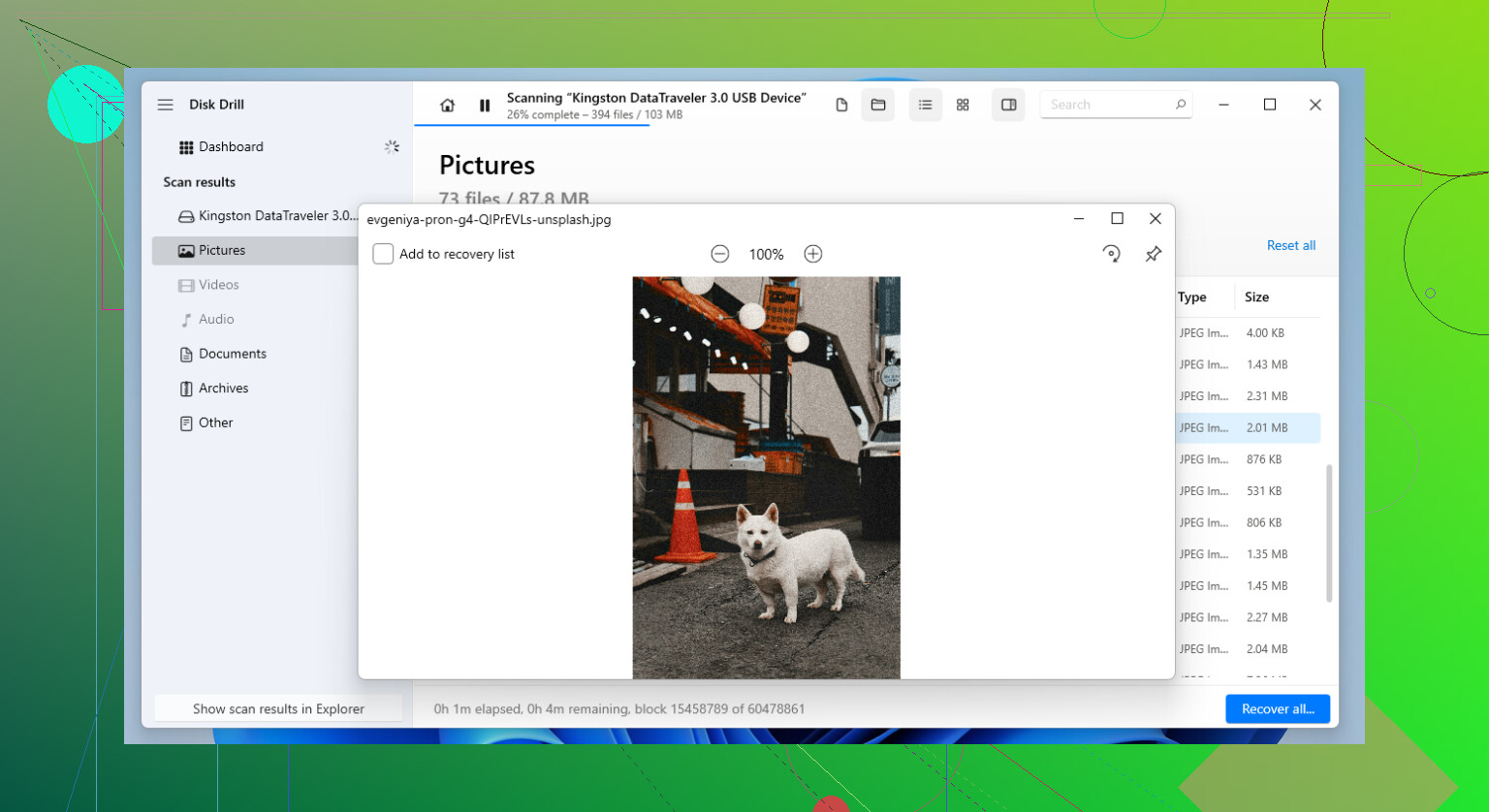
I’m a little less bullish on jumping straight to the heaviest tool unless the USB is clearly unstable. If it still mounts and shows the right capacity, Disk Drill is probably the best middle-ground pick.
Pros for Disk Drill
- good at deleted files plus corrupted folder structure
- preview helps verify files before recovery
- can create a disk image first
- easier UI than R-Studio
Cons
- not the cheapest
- deep scans can return lots of renamed/raw files
- free recovery limits depend on platform/version, so check before scanning
Where I differ a bit from @voyageurdubois and @kakeru is this: if the folders won’t open, I would avoid running repair tools first, but I also would not assume the drive is dying instantly. Test it read-only if possible, image it if the connection is flaky, then scan the image.
My ranking would be:
- Disk Drill
- R-Studio if you’re comfortable with a more technical interface
- Recuva only if this was a clean recent deletion, like @mikeappsreviewer suggested
One practical tip nobody mentions enough: if recovered photos/docs preview correctly, stop chasing a “better” scan. Save the good data first. Recovery gets worse when people keep experimenting on the same USB.