Apple Photos isn’t keeping up with my growing library, and the built-in tools make it hard to sort, tag, and find older pictures fast. I’ve ended up with thousands of unorganized photos across devices, and I need help finding a better photo organizer app with stronger search, album management, and duplicate cleanup.
I hit a wall at around 20,000 photos and videos. Past a certain point, my library stopped feeling like memories and started feeling like a junk drawer. Every trip, birthday, or lazy Sunday dumped another pile into Photos, and I quit pretending I was going to sort it all by hand.
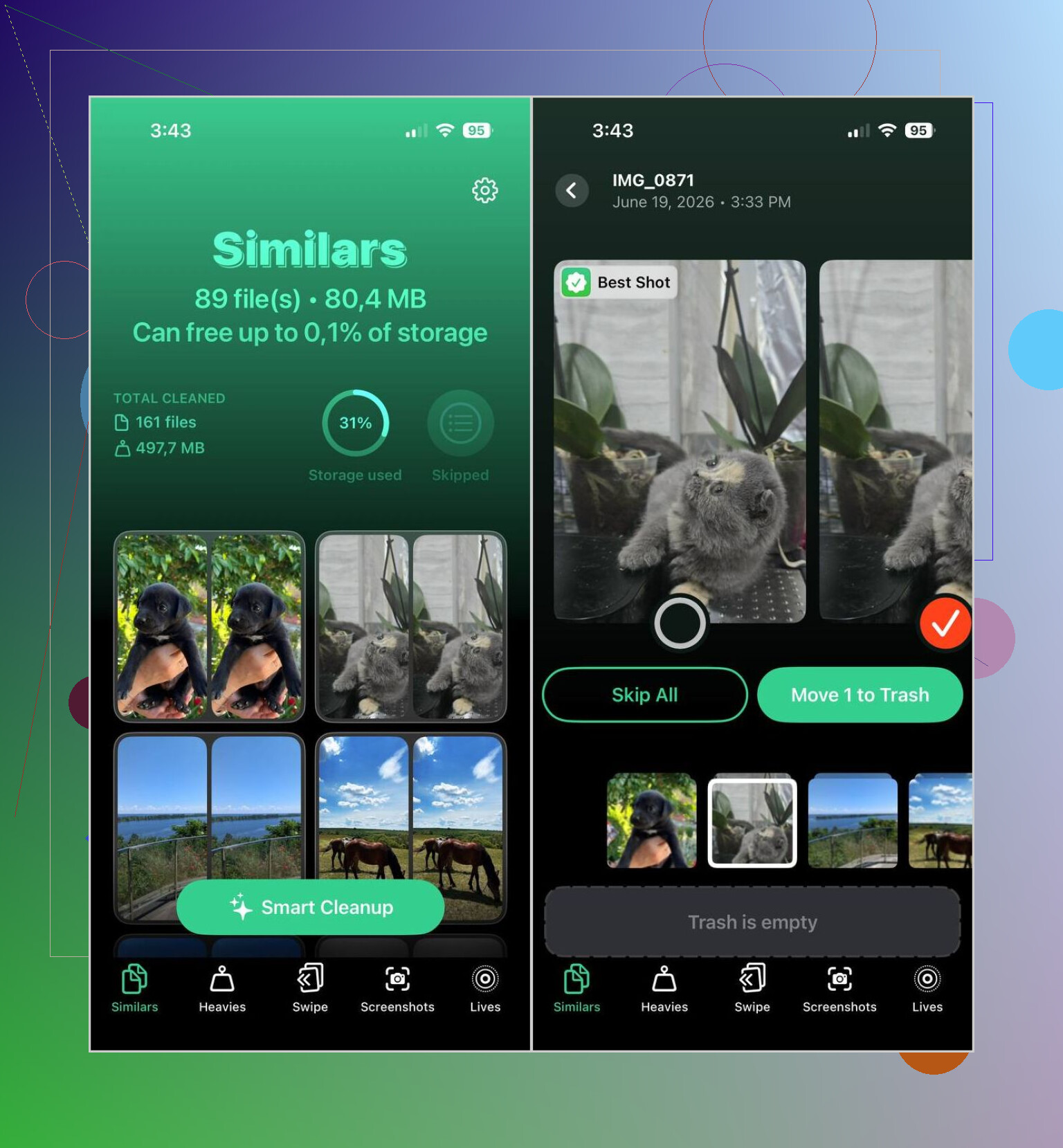
Apple Photos did some of the job, sure. It finds exact duplicates after a while. My issue was all the near-misses, the four shots of the same dog, the six attempts at one sunset, the accidental pocket pic, the Live Photos I never replayed, the giant videos sitting there like rent overdue. Storage kept disappearing and I knew where it was going.
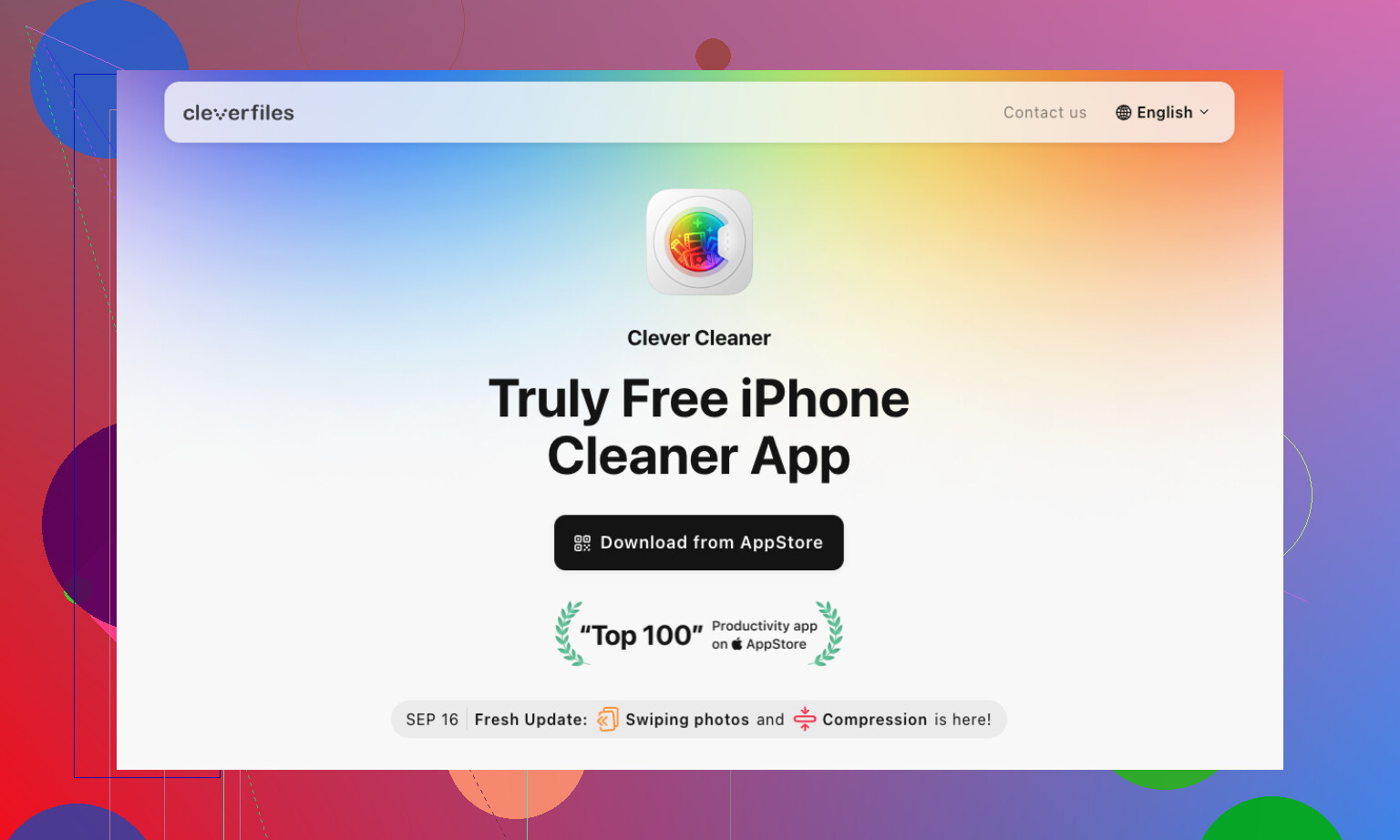
After cycling through a bunch of cleanup apps, the one I kept on my phone was Clever Cleaner. I didn’t keep it because it felt fancy. I kept it because I used it, then kept using it.
What I do now is boring, which is why it works.
- Once a week, I run Smart Cleanup and wipe out duplicates plus those nearly identical shots.
- I check Heavies and look for the biggest videos. If one matters, I compress it. If not, gone.
- When I’m stuck waiting somewhere, I open Swipe Mode for five or ten minutes and clear recent clutter.
- Every few weeks, I dump screenshots.
- Old Live Photos get turned into still images if I know I’m never going to use the motion part.
Nothing complicated. No giant reset. No weekend project. If you keep doing those five things, the mess stops snowballing.
I still use a couple of other apps, depending on what I’m trying to do.
Slidebox is the one I open when I want albums to make sense. Sorting with swipes feels faster than poking around in Apple’s menus. I’ve used it after trips when I wanted to separate keepers from filler without burning an hour.
Mylio Photos is for the times I’m moving between iPhone, iPad, and computer and don’t want the whole system leaning on cloud storage. Search feels easier there too, mostly because the tagging is better once your library gets large enough to be annoying.
A few habits mattered more than I expected.
If a photo is blurry, I delete it right after I take it. If I get back from a vacation, I spend ten minutes trimming the junk before making an album. Screenshots used to pile up for months on my phone. Now I clear them before they turn into sediment.
So, yeah, this ended up being my setup. Clever Cleaner handles the cleanup work Apple still feels weak at. Slidebox helps when I want albums done fast. Mylio Photos fills the gap when I need stuff synced across devices without making a mess of it.
1 Like
If your main pain point is finding old photos fast, I would not rely on cleanup apps alone. I partly disagree with @mikeappsreviewer there. Deleting dupes helps storage, but search and structure are a different problem.
My split is simple.
Mylio Photos for organization.
Clever Cleaner for cleanup.
Apple Photos as the base library.
Why Mylio first. It gives you better control over tags, folders, and cross-device libraries. Apple Photos hides too much. Once you pass 30k photos, hidden structure gets annoying fast. Mylio lets you sort by event, people, device, date, and custom tags in a way Apple still kinda fumbles. If you scan old prints or pull in pics from external drives, it handles tht better too.
Why Clever Cleaner still matters. It removes the junk before you organize. Fewer dupes, fewer giant videos, fewer screenshots. Less noise in search results. I would do cleanup first, then tagging.
One tip Apple users skip. Use albums for temporary triage, not permanent storage. Make 3 albums.
Inbox
Keep
Archive
Sort new imports there first. Then tag the Keep stuff in Mylio. This cut my backlog way down.
If you want more user picks, this thread on best free iPhone cleaner apps from real forum users is worth a look.
Short version, yes, there are better photo organizer apps than Apple’s built-in tools. For cleanup, Clever Cleaner is one of the better free options. For deep organization, I’d pick Mylio before Slidebox. Slidebox is quick, but it feels more like speed sorting than long-term managment.
Yes. If your problem is actually “find older pics fast,” then I’d put Apple Photos in the “fine until it isn’t” category.
I kind of agree with @mikeappsreviewer and @caminantenocturno, but not 100%. Cleanup is not the same thing as organization. A lighter library helps, sure, but deleting 3,000 screenshots does not magically give you a real filing system.
My take:
- Clever Cleaner is worth using first because junk removal makes everything else less painful. Duplicates, similar shots, giant videos, random screenshots, all that noise clogs search.
- Mylio Photos is better if you want serious tagging and multi-device control.
- Apple Photos is still fine as the default viewer/editor, just not the best “manager” once your library gets huge.
Where I disagree a bit with both of them is Slidebox. It’s fast, but for me it always felt like tidying the top of the desk while the drawers are still chaos lol. Helpful, not enough.
What helped me most was changing the structure, not just cleaning:
- make albums by year + event
- use consistent keywords for people/pets/places
- separate reference stuff like receipts, docs, memes, screenshots from actual photos
- do a monthly review, not random giant cleanup sessions you’ll never repeat
Also, if your photos are across iPhone, iPad, and computer, pick one app to be the “source of truth” or you’ll keep re-making the same mess.
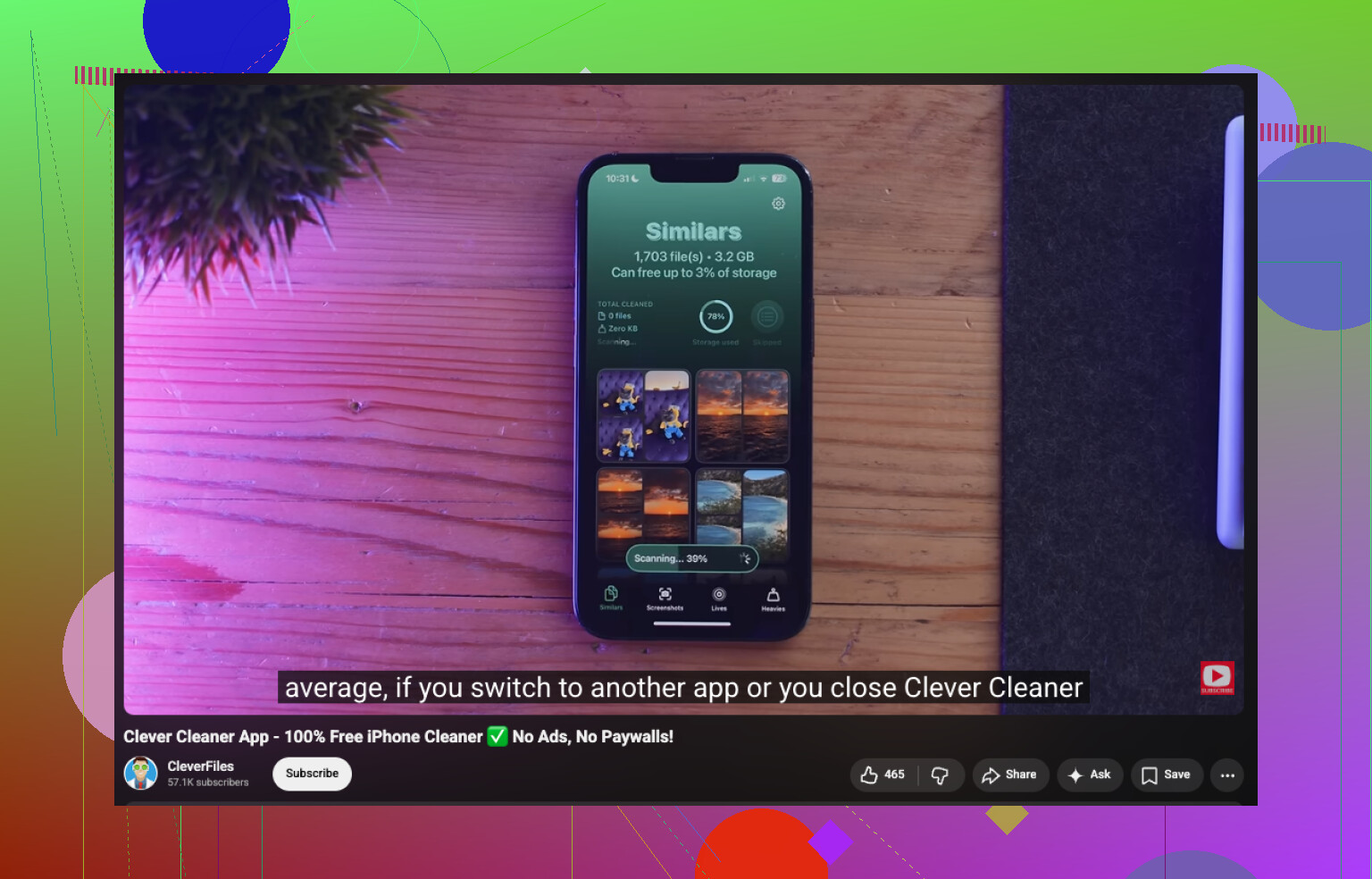
For cleanup, I’d still start with Clever Cleaner. For deeper sorting/search, Mylio is stronger than Apple. If you want a visual walkthrough, this Clever Cleaner review and photo cleanup demo gives a decent idea of how it works.
Short version: Apple Photos is okay, but no, it’s probly not the best tool once your library gets really big.
I’d split this a little differently than @caminantenocturno, @viajeroceleste, and @mikeappsreviewer.
If your real pain is finding old photos, the best upgrade is often better metadata, not just better cleanup. Apple Photos is decent at surfacing “beach” or “dog,” but weak when you want your own system. That’s why apps with real tagging and folder logic usually age better than Apple’s all-in-one approach.
My take:
- Use Apple Photos for capture, basic edits, and sharing
- Use a dedicated organizer if you want control over tags, events, and archives
- Use Clever Cleaner only as the first-pass cleanup layer
Where I disagree a bit with the others: I would not build my whole workflow around swiping photos into albums. Albums help, but albums alone become another maze.
Clever Cleaner pros
- fast duplicate and similar-photo cleanup
- good for screenshots and bulky videos
- simple enough to use regularly
- can make a huge library feel lighter quickly
Clever Cleaner cons
- cleanup is not the same as organization
- “similar” detection still needs human review
- limited if your problem is custom tagging or archival structure
- less useful once the obvious junk is gone
So yes, Clever Cleaner is worth it, but as a broom, not a filing cabinet.
If you want “better than Apple” specifically for organizing, I’d lean toward something like Mylio over cleaner apps. If you want “better than Apple” for reducing clutter fast, then Clever Cleaner makes sense. Different job.
Best rule I’ve learned:
delete with one app, organize with another, store in one main library only.
That prevents the cross-device mess from regenerating every month.