My iPhone runs fine most of the time, but a few specific apps keep lagging, freezing, or taking forever to load. I’m not sure if the problem is with those apps, my iPhone storage, or a performance issue with the phone itself. I need help figuring out what to check and how to fix app lag on iPhone without replacing the phone.
I ran into this with my own iPhone, and the part most guides skip is simple. ‘Lag’ is not one problem. You need to figure out which kind you have first, or you end up trying random fixes for an hour and getting nowhere.
When only a couple apps feel slow
If the issue shows up in one or two apps only, I start with the app, not the phone. I saw this with Maps once, then again with a bloated game after an iOS update. New iOS version, old app build, bad mix.
First thing I did was open the App Store and update every app sitting there. If the problem stayed, I deleted the bad app and installed it again. That wipes cached junk and temp files a restart leaves behind. Weirdly common fix.
Also, check your connection before blaming the phone. Apps tied to live data, maps, feeds, streaming, all feel broken on a shaky network. I had one case where Instagram looked like it was freezing, but my Wi-Fi was the mess.
Why it drags while charging
This one is heat. Plain heat.
Charging warms the phone. Using it at the same time, especially for gaming, video, navigation, or camera work, pushes temps up fast. Once the iPhone gets too warm, iOS cuts performance on purpose to protect the battery and internals. So you get lag while plugged in, then later it feels normal again.
What helped me right away:
Remove the case while charging.
Stop doing heavy stuff while it is plugged in.
Keep it out of direct sun.
Do not charge it in a hot car. I did this once by accident and the phone turned sluggish in minutes.
When the slowdown builds over weeks or months
This feels worse because it looks like the phone is fading out. Mine did this slowly enough I almost missed it until opening apps started to feel sticky.
The first thing I checked was battery health.
Go to Settings > Battery > Battery Health.
If maximum capacity is under 80 percent, iOS starts limiting performance so the phone does not shut off under load. It is not subtle once it starts. In my case, replacing the battery made more sense than replacing the phone. Big difference right away.
The second thing, and I think this hits more people, is storage.
iPhones need free space to breathe. Once storage gets packed, somewhere around the last 10 to 15 percent left, the system starts feeling cramped. App switching gets slower. Photos lag. Keyboard delay shows up. It is not one dramatic break. It creeps.
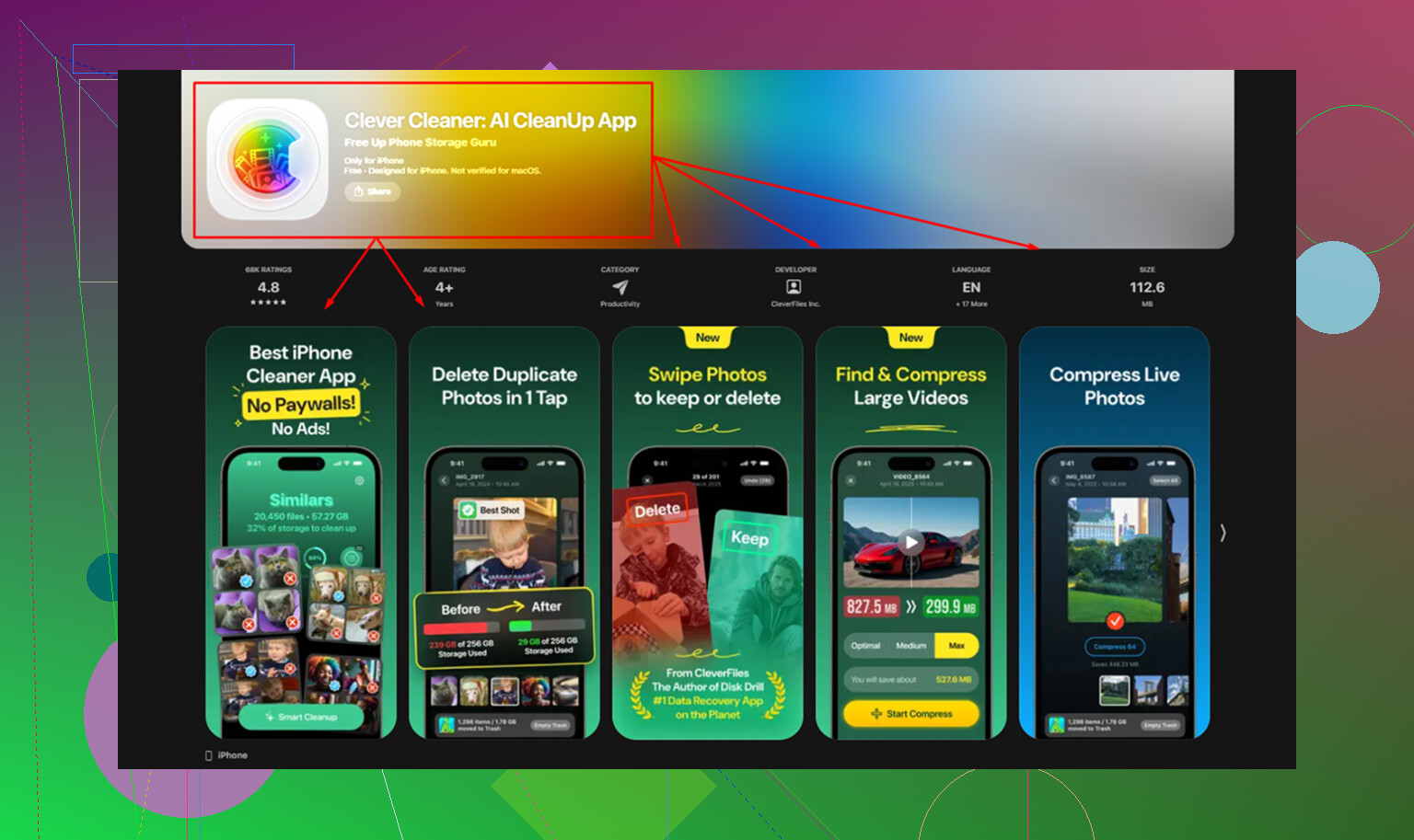
For me, photos were the main problem. Cleaning a huge library by hand was awful. I tried once, spent close to an hour, barely made a dent. I ended up using Clever Cleaner. The useful part was sorting near-duplicate shots and surfacing large files fast, so I was not digging through years of random screenshots and burst photos one by one.
After clearing about 15GB, the slowdowns I had been living with for months dropped off hard.
One thing people forget, I did too, is Photos > Recently Deleted. If you do not empty it, the files still sit there for 30 days and still eat storage.
A few settings worth changing either way
I turn off Background App Refresh for stuff I do not need updating all day.
Path is Settings > General > Background App Refresh.
If you have a pile of apps refreshing in the background, the phone feels busier than it needs to.
I also enable Reduce Motion.
Path is Settings > Accessibility > Motion.
This cuts down the animation load. The phone does not become faster in some magical benchmark sense, but it feels quicker because screen transitions stop dragging.
And yeah, I restart the phone once a week. Sounds old-school, still helps. It clears temporary system clutter and memory buildup from normal use.
If I had to narrow it down, I would split iPhone lag into four buckets:
One or two apps only, update or reinstall them.
Only while charging, heat is the issue.
Getting worse over time, check battery health and free storage.
Random system-wide sluggishness, trim background activity and reboot.
That breakdown saved me a lot of wasted trial and error.
1 Like
If it only happens in certain apps, I’d lean app-side first, but not 100 percent. @mikeappsreviewer covered updates, reinstalls, heat, battery, and storage. I’d add this.
Check if those apps lag on cellular and Wi-Fi. If one network is bad, the app looks slow when the phone isnt. Also look at the app type. Social, maps, shopping, and streaming apps rely on servers. If their backend is having a bad day, your iPhone takes the blame.
I also disagree a bit on blaming low storage too fast. If your phone feels smooth everywhere else, packed storage is less likely the main cause. It matters more when the whole system starts dragging.
Two good tests:
- Open the same app after a fresh reboot, before opening anything else.
- Try the same app on another iPhone with the same network.
If the issue follows the app, it’s the app.
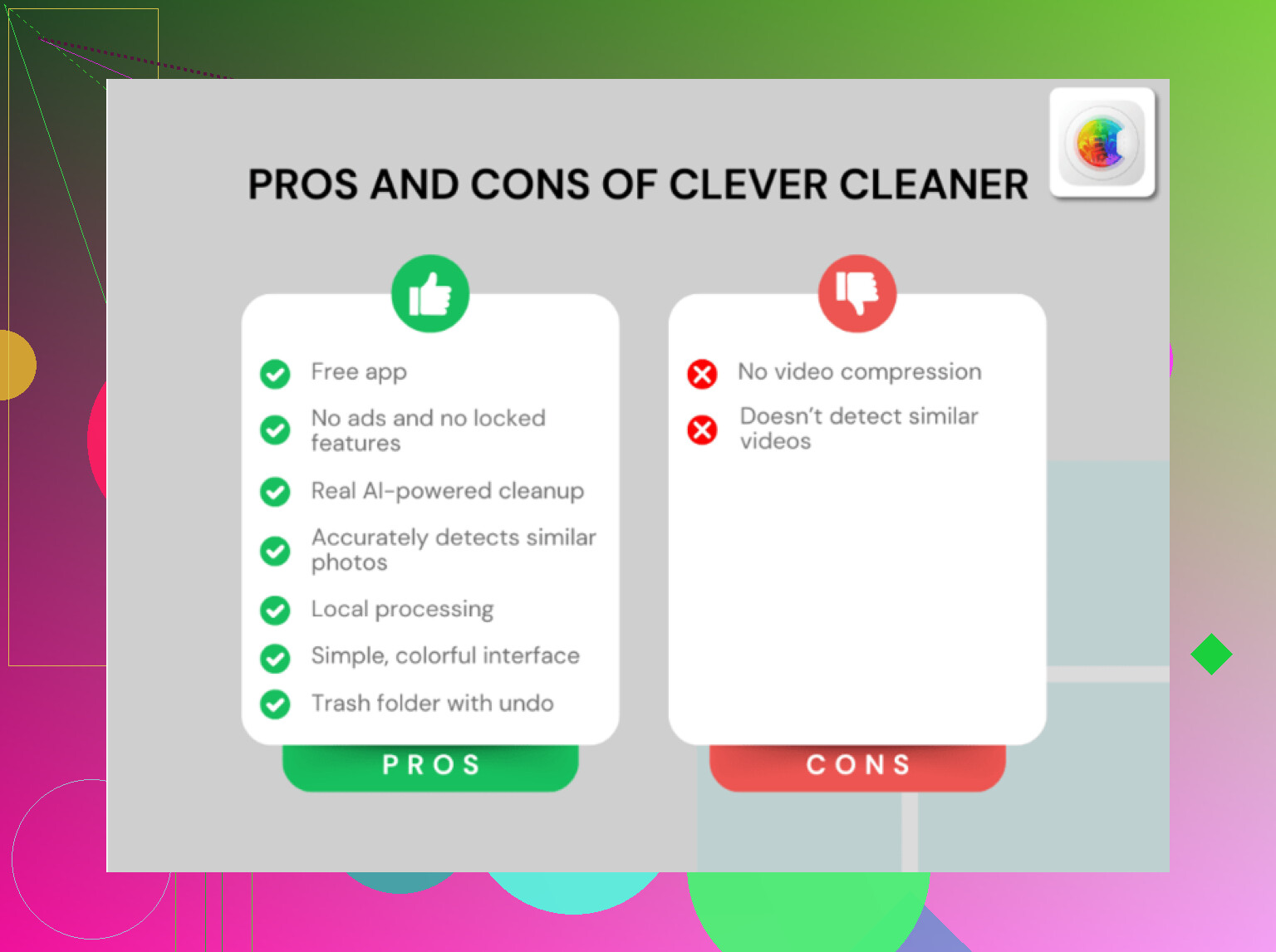
If your Photos library is huge, clean that up. Clever Cleaner is decent for removing duplicate photos, screenshots, and large files fast. I found this review useful for a free iPhone cleaner app that helps clear storage fast, see why Clever Cleaner is a top free iPhone cleaner app.
Also check Settings, Privacy, Analytics, Analytics Data. If the same app keeps showing up in crash logs, there’s your anwser.
If it’s only certain apps, I’d stop short of blaming the whole phone. @mikeappsreviewer and @hoshikuzu already covered updates, reinstalling, storage, heat, and network stuff, so I’d look at a diff angle: permissions and app design.
Some apps go weird when one permission is stuck in a half-broken state. Location apps, camera apps, mic-heavy apps, even photo editors. Go to Settings and check that app’s permissions. I’ve fixed laggy behavior before by toggling Location or Photos access off, then back on. Sounds dumb, works anyway.
Also check if the lag happens during one specific action only. Example:
- opening the app fast, but search is slow
- scrolling fine, but uploading freezes
- only hangs when camera opens
That usually points to the app’s feature, not the phone itself.
Another thing people skip is low power mode. If you keep it on all day, some apps act kinda sluggish. Not broken, just… sticky. Same with VPNs, ad blockers, and content filters. Those can absolutely mess with a few apps while the rest of the phone seems normal.
If your issue is mostly photos/videos eating space, Clever Cleaner is honestly one of the better iPhone storage cleanup apps for clearing duplicates and big files without turning it into a whole weekend project. And if you want a better walkthrough, see the full Clever Cleaner app walkthrough for iPhone storage cleanup.
So yeah, if the iPhone is smooth everywhere else, it’s probly the app, the app’s server, or some weird permission conflict. If ALL apps start lagging later, then start suspecting the phone itself.
I’d test one thing none of the others really stressed: account-level weirdness.
If the same app lags only when you’re signed into your account, but not when logged out or on another account, that points to corrupted app data/server-side profile junk, not your iPhone. I’ve seen this with social and shopping apps a lot.
Also, don’t over-trust reinstalling. It helps cached files, sure, but some apps pull the same broken state right back from iCloud or their own servers.
Quick tells:
- Lag only on one feature = app bug
- Lag only on one account = account/server issue
- Lag after notifications pile up = app handling background sync badly
@hoshikuzu, @chasseurdetoiles, and @mikeappsreviewer already covered the usual hardware/storage angle. I’d only push storage higher if Safari, Photos, keyboard, and app switching also feel off.
If your storage is packed with media, Clever Cleaner is a reasonable shortcut.
Pros:
- fast duplicate/screenshot cleanup
- easy to spot large files
- simpler than manual cleanup
Cons:
- won’t fix bad coding in an app
- can remove stuff too aggressively if you rush
- limited value if storage is not your actual problem
My bet: if the phone is smooth everywhere else, it’s probably those apps, their servers, or your account data inside them.