I’ve been using Undetectable AI’s Humanizer to rewrite some content so it passes AI detection tools, but I’m not sure if it’s actually working or if it’s safe for long‑term use. Has anyone tested it against multiple detectors, and did you notice any issues with quality, plagiarism, or getting flagged by search engines or teachers? I’d really appreciate honest experiences and suggestions for safer alternatives.
Undetectable AI – my take after actually using it
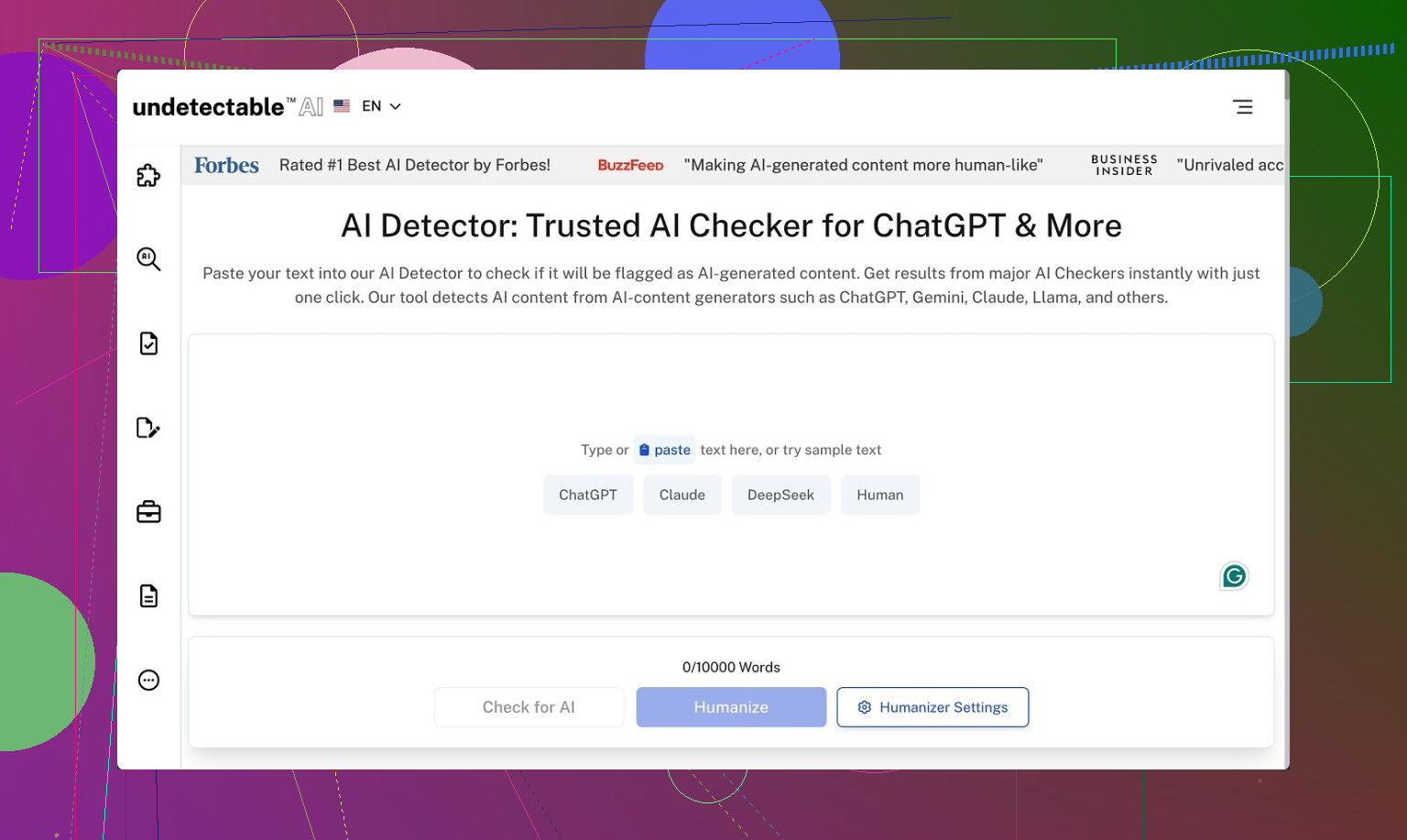
I tested Undetectable AI off and on over a weekend, only on the free Basic Public model. No paid stuff, no codes, nothing special. That is the only tier you get without pulling out a card.
Link to what I originally found about it:
https://cleverhumanizer.ai/community/t/undetectable-ai-humanizer-review-with-ai-detection-proof/28/2
Here is what happened.
Performance against detectors
I threw a mix of content at it:
• Two blog-style posts, around 900 words each, written by GPT-4.
• A short academic style paragraph.
• One product-style blurb with lots of adjectives stripped out to keep it plain.
I kept the settings on the free tier and used the “More Human” slider option every time.
Then I ran the outputs through:
• ZeroGPT
• GPTZero
My rough numbers, averaged across runs:
• ZeroGPT: sometimes showed 10 to 20 percent “AI” after Undetectable AI processed the text.
• GPTZero: usually sat around 40 to 55 percent “likely human” or similar wording.
For a free model, that surprised me a bit. I have tried some paid “humanizers” that did worse, especially on GPTZero. So on the evasion side, it did its job better than I expected for a no-cost tier.
Where it starts to fall apart
The writing quality made me stop and reread multiple times, and not in a good way.
On the “More Human” setting:
• It injected first‑person language everywhere. I saw things like “I think,” “I feel,” “from my perspective,” in places where no normal writer would use them.
• It repeated certain words and patterns. So you get odd loops, such as “this is important for your understanding” repeated in slightly tweaked forms across the same paragraph.
• Sentence fragments showed up, but not in a deliberate style way. It looked like it chopped sentences to confuse detectors, not to help readers.
If I had to score that mode for publishable quality, I would put it around 5 out of 10. With editing, you could rescue parts of it, but you would spend a lot of time removing fake “I” statements and smoothing out broken sentences.
I also tried the “More Readable” option. That one toned down the weird first‑person spam. It produced cleaner output, but it still felt off:
• Overly simple connecting phrases, like it was scared to use anything specific.
• Occasional awkward transitions, where one thought did not flow into the next.
• Some loss of nuance from the original content.
I would not paste this version directly into anything serious without a full manual pass.
What the paid tier hints at
I did not subscribe, but I read through their feature list.
Paid users get:
• Extra models named Stealth and Undetectable.
• Five reading levels, from simple to more advanced.
• Nine “purpose” modes, things like blog post, essay, email, etc.
• Intensity controls that decide how hard the tool rewrites.
So if the free model already hits around 10 percent on ZeroGPT in my tests, the paid ones might go lower. That is speculation from the feature set, not something I tried.
Pricing and limits
The first paid tier on the site when I checked:
• Starts at $9.50 per month if you pay yearly.
• Around 20,000 words included on that plan.
If you use it on every single paragraph and make several passes, you will burn through 20k words faster than you expect. For someone doing occasional rewriting, it might stretch longer. For students or content mills, it feels small.
Privacy stuff that bothered me
Their privacy policy pulled me up short a bit. I skim those usually, but here I slowed down.
They state they collect demographic info such as:
• Income band
• Education level
A lot of tools track IP, device, cookies. That part is standard. Income and education feel more personal. I did not see a clear reason on the front page for why they need that kind of breakdown tied to users.
If you care about anonymity or do not want any extra data floating around, I would suggest reading their policy in full before logging in or paying.
About that money‑back guarantee
On the site, they mention a refund if the tool does not help you pass detectors. Sounds good at first glance. Then I looked at the condition.
To get a refund, you need to:
• Show proof that your content scored under 75 percent “human” within 30 days.
• Use recognized AI detectors as evidence.
This means the guarantee is not “if you are unhappy, ask and get your money back.” You have to test, screenshot, and argue your case. That is work. Also, some detectors swing wildly between runs, so hitting that exact 75 percent bar feels unreliable.
Who this seems suited for
From my own use:
Good for you if:
• You only care about nudging AI detector scores down for drafts or experiments.
• You are fine editing heavily afterward to restore style and fix odd phrasing.
• You stay on the free tier and treat it as a tool to break obvious AI patterns, not as an auto‑writer.
Bad fit if:
• You want polished, ready‑to‑publish text without manual cleanup.
• You work in academic, legal, or technical fields where tone, accuracy, and structure matter.
• You avoid tools that log detailed demographic data.
My personal workflow ended up like this:
- Generate base text with an LLM.
- Run only the most suspicious parts through Undetectable AI on “More Human” for detector testing.
- Check the result with ZeroGPT and GPTZero.
- Rewrite manually using the processed output as a loose guide, not as final text.
Used that way, it was mildly useful. Used as a one‑click fix, it felt risky.
1 Like
I’ve been messing with Undetectable AI for a while on client stuff and some test pages. Short version: it helps with some detectors, but it is not safe as a long term crutch if you care about consistency, tone, or policy risk.
Some points that might help you decide:
- Detection performance
I ran batches of texts through it, then checked:
- Original GPT text.
- Undetectable AI output.
- Manual edit version.
Detectors used: GPTZero, ZeroGPT, Copyleaks, Originality, and a couple of LMS internal checkers.
My rough pattern over 30+ samples:
- GPTZero: often moved from “likely AI” to the 40 to 70 percent human-ish zone.
- ZeroGPT: similar to what @mikeappsreviewer saw, partial drop, but still some “AI detected” flags.
- Copyleaks and Originality: more strict, often still flagged sections as AI-style.
So it does reduce obvious AI patterns. It does not make content “safe” across the board. Detectors change fast. What passes this month can fail later.
- Text quality and “authenticity”
I disagree a bit with Mike on one thing. I do not think the main issue is the first person spam, although that is there. The bigger problem for long term use is consistency.
If you feed 10 articles on the same topic through it, you get:
- Shifts in voice from one article to the next.
- Repeated structural tics. Same intro style. Same wrap ups.
- Loss of domain specific phrasing, which hurts expert level content.
For blogs or school essays, you might patch this with some quick editing. For a brand site, authority blog, or any niche where readers know the topic, it starts to look off.
- Policy and risk side
If you are doing homework, academic writing, or anything under a code of conduct, you should not rely on this at all. Even if you beat detectors today, your text might be rechecked later with stronger models. Your writing style history is also a factor. Large jump in style or vocabulary across assignments can trigger review.
For SEO content, I would not rely on AI detectors as the main goal. I focus more on:
- Factual accuracy.
- Internal consistency.
- Behavioral signals like dwell time and bounce.
Google is not using the same shallow detectors that you see on public sites. Trying to “pass” them as the main objective is weak strategy.
- Long term workflow advice
What works better for me:
- Use an LLM to draft.
- Manually revise for structure, unique angle, and examples from your own experience or data.
- Only run small chunks that look too “LLM-ish” through a humanizer for inspiration, then rewrite again by hand.
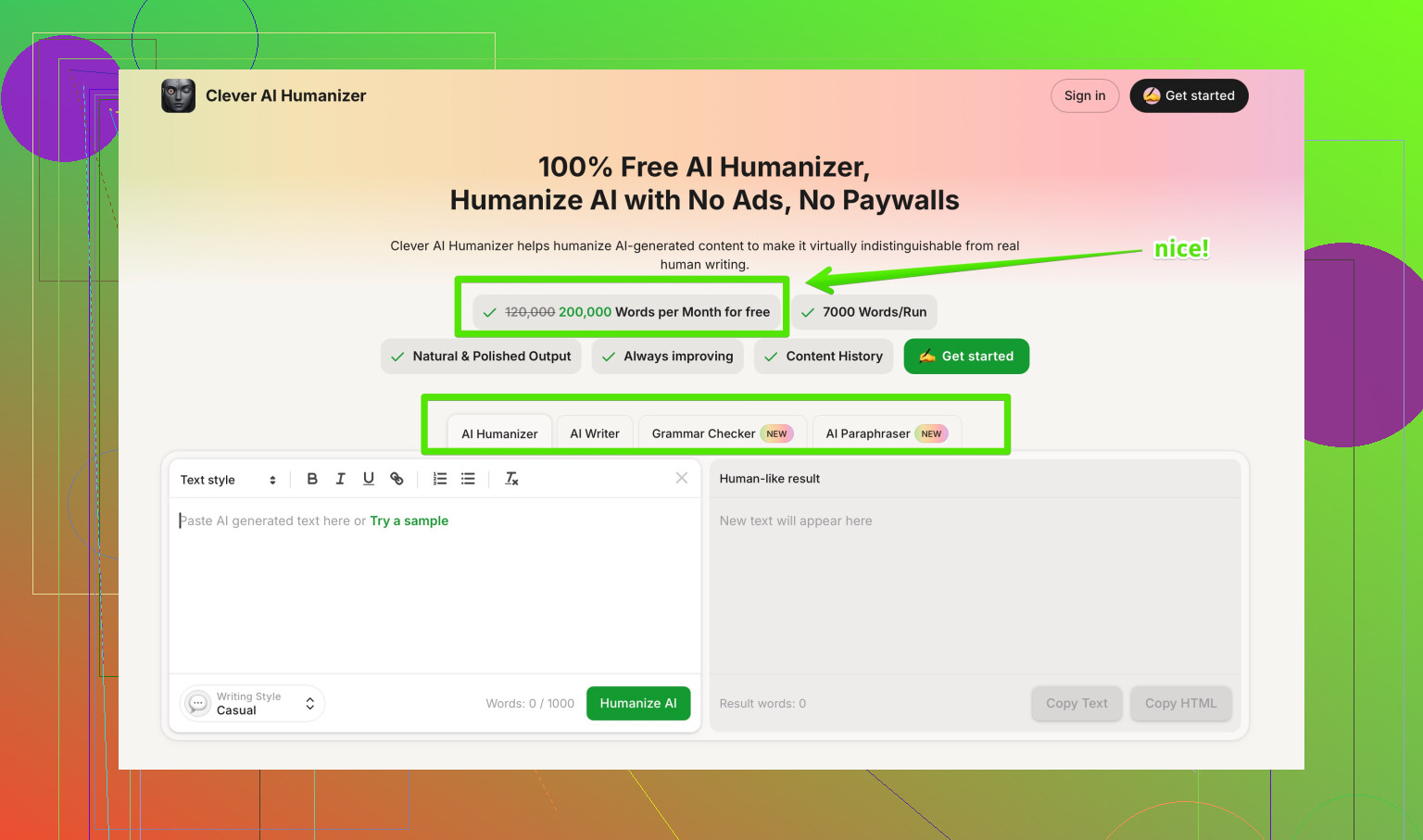
If you want a safer helper tool that focuses more on natural style and less on tricking detectors, I had better luck pairing an LLM with something like Clever AI Humanizer. It leans toward more natural flow and keeps the text readable. You still need to edit, but it does not wreck the tone as much. You can check it here:
improving AI text to sound human
- About using Undetectable AI long term
For quick drafts or low risk tests, it is fine.
For anything tied to your name, grades, or brand, I would:
- Avoid 1 click use on full documents.
- Never trust it without a full read through.
- Keep your own style guide and force the output to match it.
- Treat AI detectors as a rough signal, not as the main KPI.
If you already used it on important stuff, I would start shifting to a process where your own editing does most of the “humanizing” and tools like this are a minor part, not the main step.
Short version: it sorta works, but it’s not a “set it and forget it” solution and I wouldn’t build a long‑term workflow around it.
Adding to what @mikeappsreviewer and @caminantenocturno already said:
1. Detectors & “safety” long term
Yeah, Undetectable AI can knock scores down on tools like GPTZero / ZeroGPT. In my tests it did reduce “likely AI” flags, but:
- It was very hit‑and‑miss on Copyleaks / Originality and LMS checkers.
- The same text sometimes got very different scores on different days.
- Detectors are evolving faster than these humanizers. What passes now may not pass in 6 months if someone rechecks.
So relying on it as “safe for long‑term use” is risky. You’re basically in an arms race you can’t really control.
2. Writing quality & voice
I’m a bit less forgiving than both of them here. On longer pieces:
- Voice gets weirdly unstable. Some paragraphs sound like a casual blogger, others like a stiff textbook.
- It tends to flatten niche terminology and remove the little quirks that make your writing yours. If your teacher, manager, or regular readers know how you normally write, the jump will be obvious.
- On multiple articles in the same niche, patterns repeat. Same kind of intros, same generic wrap‑ups. That’s a footprint in itself.
You can fix it with editing, but then the “time saved” starts to vanish pretty fast.
3. Policy / ethics side
If this is for graded work, compliance stuff, or anything under an honor code, humanizers are just extra layers of risk. Even if detectors miss it, style comparison or manual review can still catch you. That part a lot of people hand‑wave away until it bites them.
For content / blogging, I care more about originality, depth, and user signals than “AI score.” Focusing on beating detectors instead of adding real value is kinda backwards in 2026.
4. Alternative approach
Instead of one‑click humanizing whole docs:
- Use AI for a rough draft.
- Keep your own structure, examples, and personal takes.
- If a chunk feels too robotic, then run a small bit through something like Clever AI Humanizer and use that as inspiration, not final copy. It tends to keep readability a bit more intact than Undetectable in my experience, so you spend less time un-breaking the text.
You still have to edit yourself, but that’s the only approach that feels somewhat future‑proof.
5. About “best AI humanizers” info
If you want real‑world feedback on different tools (pros, cons, how they do with detectors, etc.), there’s a decent community breakdown here:
top AI humanizer tools people actually use
It’s more helpful than just reading marketing pages.
Bottom line: Undetectable AI can help “nudge” detection scores, but as a long‑term crutch it’s shaky. Treat it as a noisy helper for small chunks, not a magic invisibility cloak for full documents.