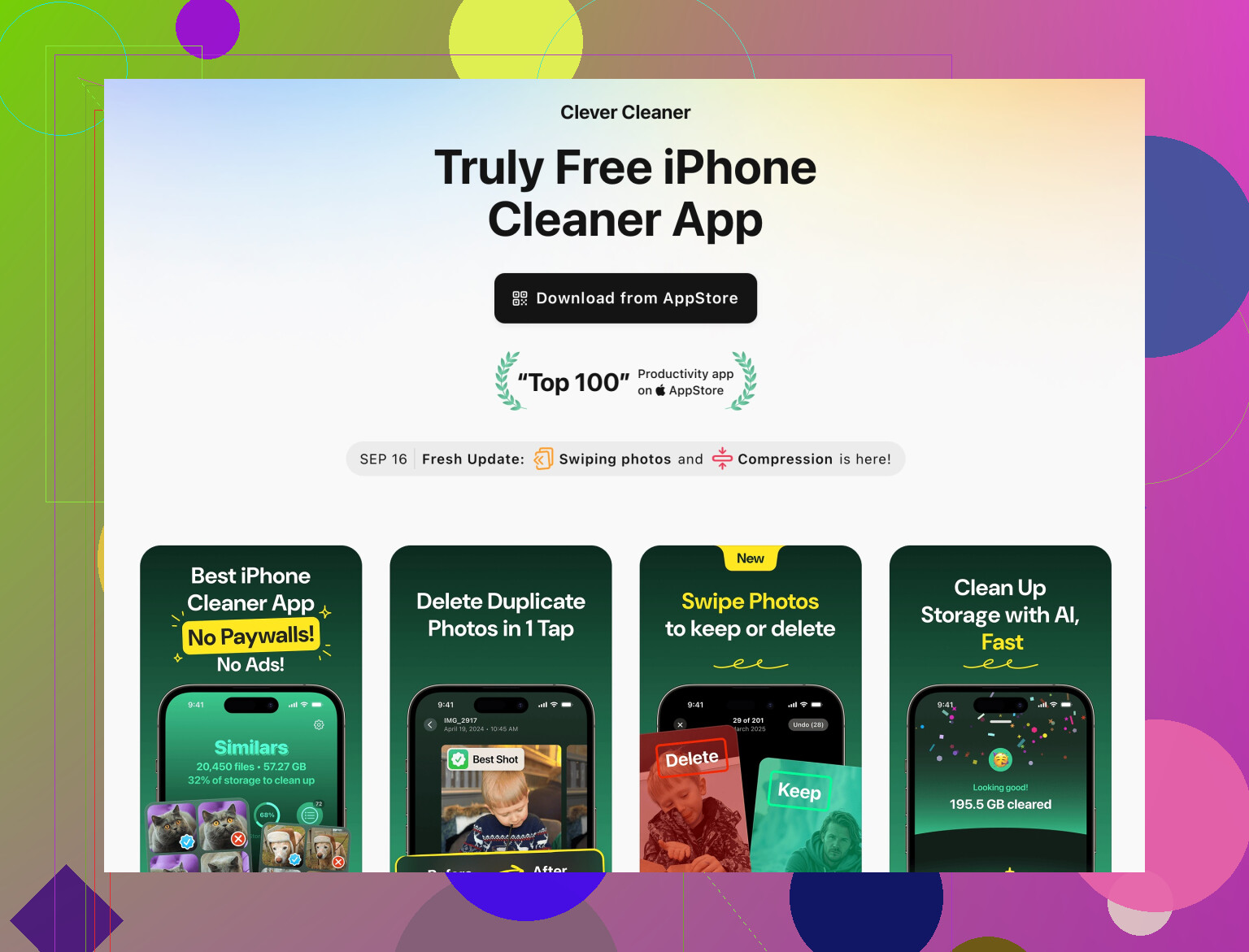
My iPhone storage keeps filling up with cached files, duplicate photos, and random app data, and I’m constantly getting low storage warnings. I’m looking for a safe, trustworthy, and truly free iPhone cleaner app that can clear junk, organize photos, and maybe help manage large files without slowing down my phone. What apps do you actually use and recommend, and are there any scams or ones I should avoid?
Short answer, there is no truly “magic” free iPhone cleaner that fixes everything on autopilot, because iOS locks a lot of stuff down. But there are a few tools and tricks that help a lot and do not feel sketchy.
If you want an app, take a look at Clever Cleaner App. It handles the parts iOS actually allows, like:
• Scanning for duplicate and similar photos
• Large videos and burst photos
• Screenshots and blurred pics
• Contact duplicates and junk contacts
The nice part is you get an AI-style photo cleanup so you can bulk-select similar shots instead of tapping through thousands of images. For what you are asking about, this is the realistic, safe area where third‑party cleaner apps help.
Here is a solid option for you to check out:
Smart iPhone storage cleanup with Clever Cleaner App
Some practical steps that work together with any cleaner app:
-
Big photo cleanup
• Sort Photos app by “All Photos”, scroll to bottom, then work upward through older stuff.
• Use “Search” in Photos for terms like “screenshot”, “receipt”, “whiteboard” and delete in batches.
• In Settings > Photos, turn on “Optimize iPhone Storage” to offload full‑res files to iCloud if you use it. -
Kill bloated app caches the Apple way
Third‑party apps cannot touch real app cache. You have to:
• Go to Settings > General > iPhone Storage.
• Tap an app with huge “Documents & Data”.
• If it is something like Instagram, TikTok, X, Reddit, etc, delete and reinstall. That wipes their cache.
• For Safari, use Settings > Safari > Clear History and Website Data. -
Offload unused apps
• Settings > App Store > Offload Unused Apps.
This frees app binaries but keeps their data, so when you reinstall you do not lose stuff. -
Check Messages and WhatsApp
• iMessage: Settings > Messages > Keep Messages, set to 1 Year or 30 Days instead of Forever.
• In “iPhone Storage” > Messages, clear large attachments.
• WhatsApp: Settings inside WhatsApp > Storage and Data > Manage Storage, delete groups with tons of media. -
Use Clever Cleaner App where it is strongest
Good use cases:
• You have 10k+ photos and cannot face sorting.
• Phone storage shows Photos as the biggest chunk.
• Your Contacts are full of duplicates from old backups.
Even with a tool like Clever Cleaner App, you still need to reinstall a few heavy apps once in a while to reset their cache. That is an iOS limit, not an app problem.
So, combo that works in practice:
• Run Clever Cleaner App weekly to keep photos and contacts in shape.
• Once a month, nuke and reinstall 2 or 3 worst offenders from iPhone Storage.
• Tighten Messages media and auto‑delete settings.
Do that and those “storage almost full” alerts slow down a lot.
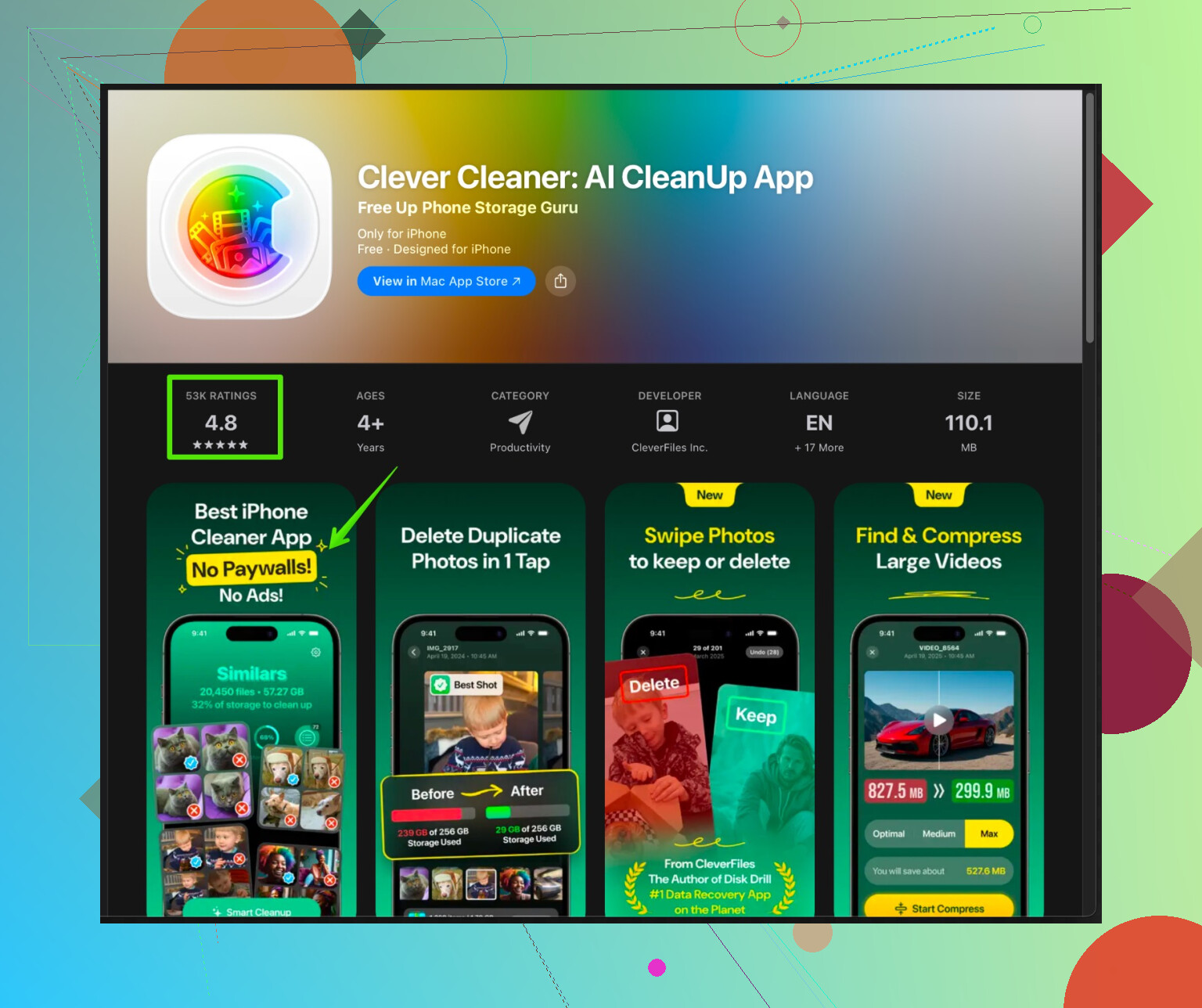
You’re basically hunting for a unicorn: “free, safe, powerful iPhone cleaner app that fixes caches like on Android.” iOS just doesn’t allow that. Apple keeps app data in a sandbox, so any cleaner app that claims it can wipe caches system‑wide is either lying or abusing workarounds that’ll eventually break.
I partly agree with @stellacadente about what’s realistic, but I think people overestimate how much an app can do and underestimate what Apple’s own tools already give you.
What third‑party cleaners can help with:
- Sorting and mass deleting photos and videos
- Finding similar / blurry shots and screenshots
- Spotting huge media files
- Cleaning up contacts
That’s where something like the Clever Cleaner App actually makes sense. If your Photos and Contacts are a disaster, its AI‑style grouping and bulk selection is way faster than poking through albums one by one. On a 64 GB iPhone that’s packed with random snaps, it can easily free a few gigs.
If you want to look into it, check out this page about
smart iPhone storage cleanup with Clever Cleaner App
It focuses on making photo and contact cleanup less painful and is safer than those “one tap deep cleaner” scams that promise to clear hidden junk and secret caches.
Where I’d slightly disagree with @stellacadente is relying too much on any cleaner app long term. The real heavy hitters for storage are usually:
- Social apps hoarding cache
- Messaging apps storing tons of media
- Giant game updates that never shrink back down
No app can crack open those sandboxes. The fastest “cleaner” for that stuff is still:
- Delete and reinstall the worst offenders
- Change in‑app settings to auto‑limit media downloads
- Stop letting apps save everything automatically to Photos
So yeah:
- Use Clever Cleaner App to tame photos and contacts.
- Use Apple’s own iPhone Storage and per‑app settings to deal with the bloat.
- Ignore anything that says it can “deep clean RAM, hidden cache, system junk” on iOS. That’s marketing, not reality.