I accidentally deleted important files on my Windows PC and emptied the Recycle Bin before realizing it. I need reliable data recovery software that actually works and is safe to use because some of these documents and photos are really important. Looking for the best Windows data recovery tool with good recovery results and an easy setup.
I’ve run through a pile of recovery apps over the years, more than I wanted to, and most of them land in one of two buckets. Some are built for admins and forensic people, full of terms normal users do not need. The rest look friendly for five minutes, then fall apart when the job gets messy. After using them on real failed drives and accidental deletions, Disk Drill is still the one I point most people to first.
What kept me coming back to it was the balance. I did not need to fight the interface to start a scan, and I did not feel boxed into a toy app either. It handled the common stuff well when I tested it, deleted files, formatted volumes, busted USB drives, RAW partitions, SD cards, external disks, camera cards. For most people, your first goal is simple: see your files, check if they still exist, pull them out fast. It does tht part well.
The preview feature matters more than people think. A lot of tools make you wait, recover a batch, then find out half the files are junk. Here, I was able to open previews for photos, documents, and some videos before restoring them. That saves time, and more important, it saves false hope. There’s also a byte-to-byte backup option, which I liked on unstable drives. If a disk starts acting weird, cloning it first and scanning the image is safer than hammering the original again and again. On Windows, there is also 100 MB of free recovery, which is enough for a small test run.
A few other tools still deserve a mention, mostly because each one has its lane.
UFS Explorer is the heavy one. If you are dealing with RAID, Linux file systems, NAS storage, broken partitions, or a setup somebody built in a basement at 2 a.m., I’ve seen it do things simpler tools miss. I would not hand it to a beginner, though. The interface asks more from you.
GetDataBack feels old, and it looks old too. Still, I’ve seen it preserve folder trees and filenames better than expected on damaged NTFS and FAT drives. If you care about structure and not only raw file carving, it is still worth a shot.
Windows File Recovery is Microsoft’s free option. No glossy app, no hand-holding, only Command Prompt. I used it for plain deletions and basic NTFS recovery. It works, but I would not send a non-technical friend there first unless they were set on paying nothing.
If you are trying to recover files right now, stop writing to the drive. Do not copy stuff onto it. Do not install updates. Do not save new downloads there. In most deletion cases, the files are not gone right away. The system marks the space as available, and once new data lands there, your odds drop fast.
Big mistake I still see people make, they install the recovery app onto the same drive they are trying to save. I’ve watched people do this and bury their own files. Put the software on another disk, an external SSD, or even a USB stick. Recover the found data to a different location too. Same rule.
One more thing, recovery software is for logical damage. If the drive is clicking, grinding, dropping offline, running hot, or not showing in BIOS or Disk Management, stop. I mean it. I kept scanning one failing drive years ago because I thought one more pass would do it. Bad idea. It got worse, then unreadable. Those symptoms point to physical trouble, and repeated scans make the situation uglier. At that point, a recovery lab is the safer move, even if the price stings.
If your issue is accidental deletion, formatting, or file system corruption, your odds are still decent if you move carefully. Do less, not more. Keep the drive untouched. Work from another device. Recover to another device. That tends to be the difference between getting your files back and making the whole mess permanent.
1 Like
If you emptied the Recycle Bin, I’d rank them like this for Windows data recovery.
-
Disk Drill.
Best mix of easy use and solid scan results. Good for deleted docs, photos, videos, USB drives, SD cards. The file preview helps a lot, since you see what is intact before paying or restoring. I don’t fully agree with @mikeappsreviewer on one thing though. I would not put Disk Drill first for every case. For plain accidental deletion on a healthy NTFS drive, it’s my first pick. For ugly file system damage, I’d test one more tool too. -
R-Studio.
Less friendly. More serious. I’ve had it pull data from damaged partitions when simpler apps missed stuff. If your files matter more than your time, this one earns a look. The UI is kinda rough. -
Recuva.
Old, cheap, simple. Good for recent deletions. Weak once the drive has corruption or after formatting. Still worth a fast pass if you want somthing light. -
PhotoRec.
Free and ugly. Strong at raw recovery. Bad at filenames and folder structure. Use it if other apps fail and you only care about getting the file content back.
Short version, for safe and reliable Windows file recovery software, start with Disk Drill, then compare with R-Studio if the first scan looks thin. Do not recover back onto the same drive, that part people mess up all the time.
If you want a quick roundup of the best data recovery software for Windows, plus a fast visual explainer, this is useful, best Windows data recovery tools in 60 seconds.
One more tip. If the deleted files were on your system SSD, shut it down fast. SSD TRIM hurts recovery odds a lot more than old HDD deletions. That part gets skipped in a lot of forum replies, and it matters.
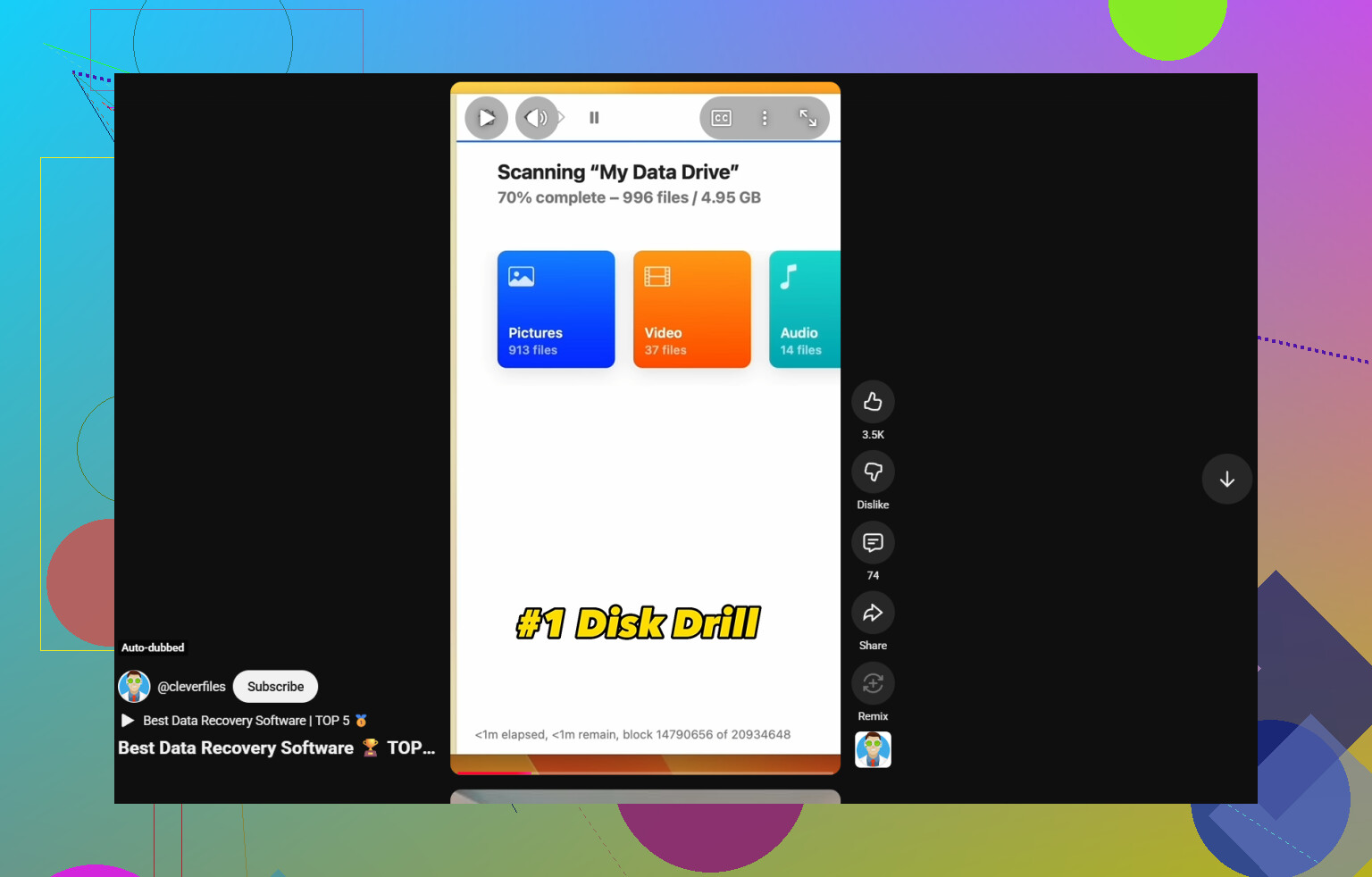
I’d still put Disk Drill for Windows near the top, but for a slightly different reason than @mikeappsreviewer and @nachtdromer. Not because it’s magic, just because it’s one of the few recovery apps that doesn’t feel sketchy, doesn’t bury basic options, and lets you verify what’s actually recoverable before you waste hours. That matters a lot when you already nuked the Recycle Bin.
Where I kinda disagree with people a bit: Recuva gets recommended way too casually. It’s fine for “oops, deleted a file 3 minutes ago” jobs, but once the situation is even a little messy, it falls off hard. I also think R-Studio is excellent, but for a lot of normal users it’s overkill and kinda miserable to navigate if you’re panicking.
My short list:
-
Disk Drill
Best balance of safe, easy, and actually useful. Strong for deleted documents, photos, videos, USB sticks, external drives, etc. -
R-Studio
Better when things get uglier, but definitely not beginner-friendly. -
GetDataBack
Old-school, but still pretty solid with NTFS if folder structure matters. -
Windows File Recovery
Free, but very “have fun in Command Prompt” energy.
One thing nobody should sugarcoat: if your files were on an SSD, your chances may already be worse because of TRIM. That’s the annoying truth. On an HDD, recovery odds are usually better if you stopped using the drive quickly.
Also, if you want more community opinions, this thread has some decent real-world feedback: Facebook recommendations for the best Windows data recovery software.
So yeah, if you want the safest first try, Disk Drill is probly the one I’d start with on Windows. Then compare results with something like R-Studio only if the scan comes up thin.
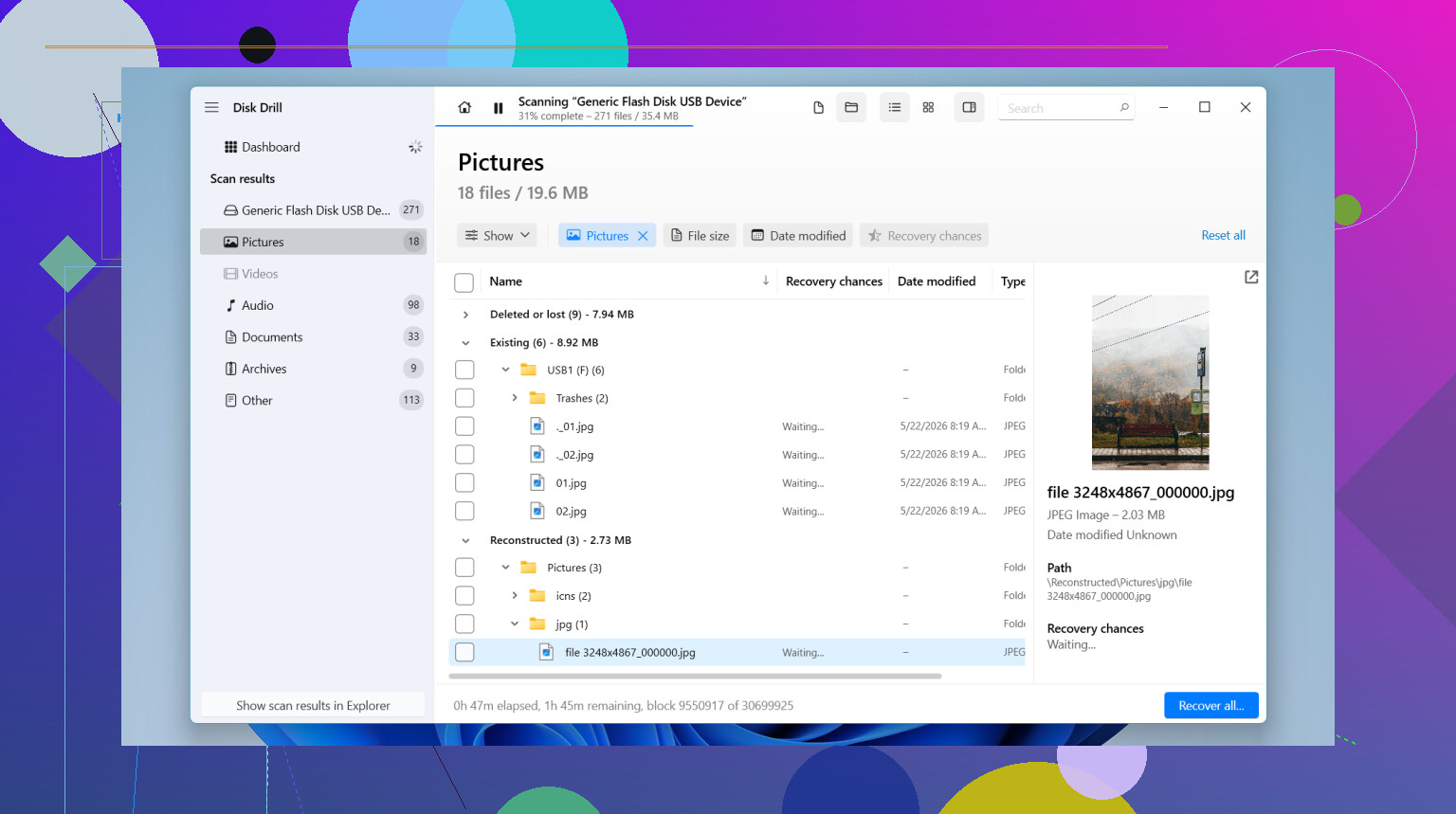
If the drive is still healthy and this was just delete + emptied Recycle Bin, I’d do one thing differently from @nachtdromer, @ombrasilente, and @mikeappsreviewer: I would not start by bouncing between 4 tools. More scans can mean more wasted time, and on a shaky drive that matters.
My pick for a first pass is Disk Drill.
Pros
- very easy to use when you’re stressed
- good preview support, so you can check documents/photos before restoring
- handles common Windows cases well: deleted files, USB drives, SD cards, externals
- cleaner interface than R-Studio or command line options
Cons
- not the cheapest option
- deep scans can take a while
- on SSDs, TRIM can still kill recovery chances no matter how good the app is
- for nasty partition damage, R-Studio or UFS Explorer can sometimes dig deeper
My practical take:
- Disk Drill first for accidental deletion on NTFS/exFAT
- R-Studio if results look incomplete or the partition is damaged
- Recuva only if you want a quick lightweight check
- PhotoRec if you’ve given up on filenames/folders and just want raw files back
One thing I disagree on slightly: people talk software first, but drive type matters more. HDD = decent odds. SSD = maybe not, especially if Windows stayed on for a while after deletion.
Also, don’t install recovery software onto the same drive you’re recovering from. That mistake ruins more recoveries than bad software does.